New: an MCP server for AI assistants
Customer support that works when you can’t.
A smart AI agent that resolves customer questions and guides users through your product, with chat, help center, feedback, roadmap and changelog.
Monthly, yearly or 3-year plans. The AI agent is billed per resolution.
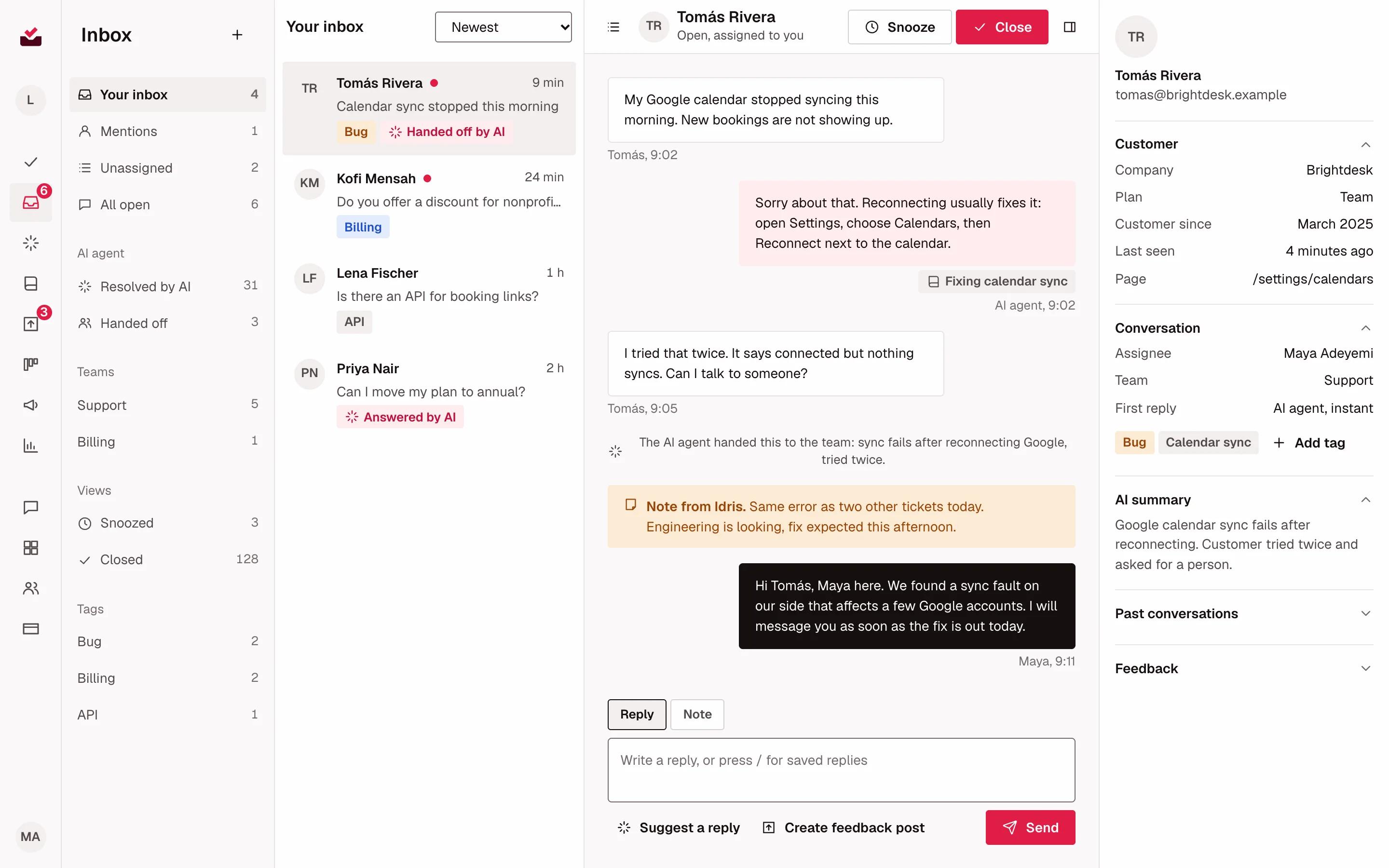
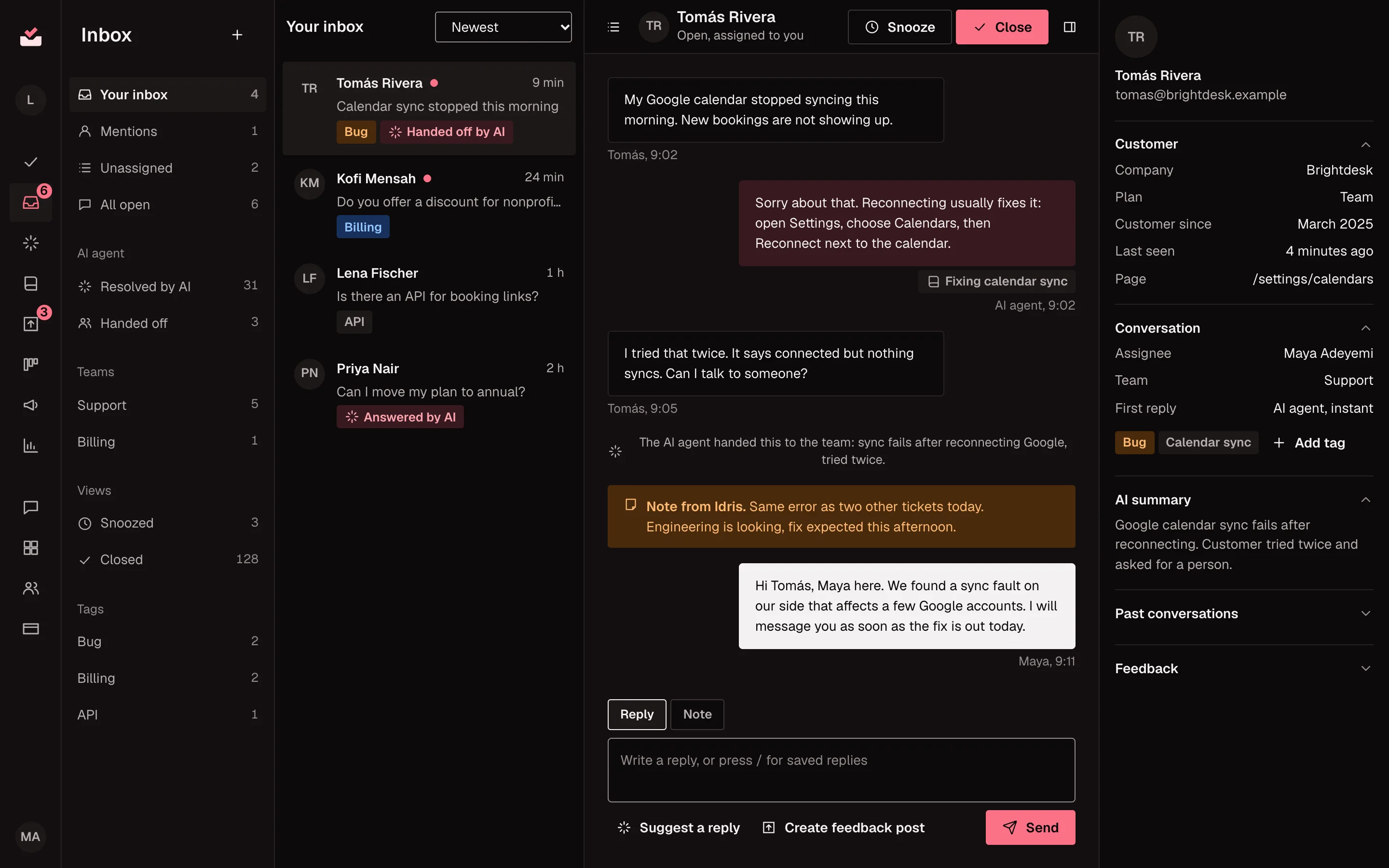
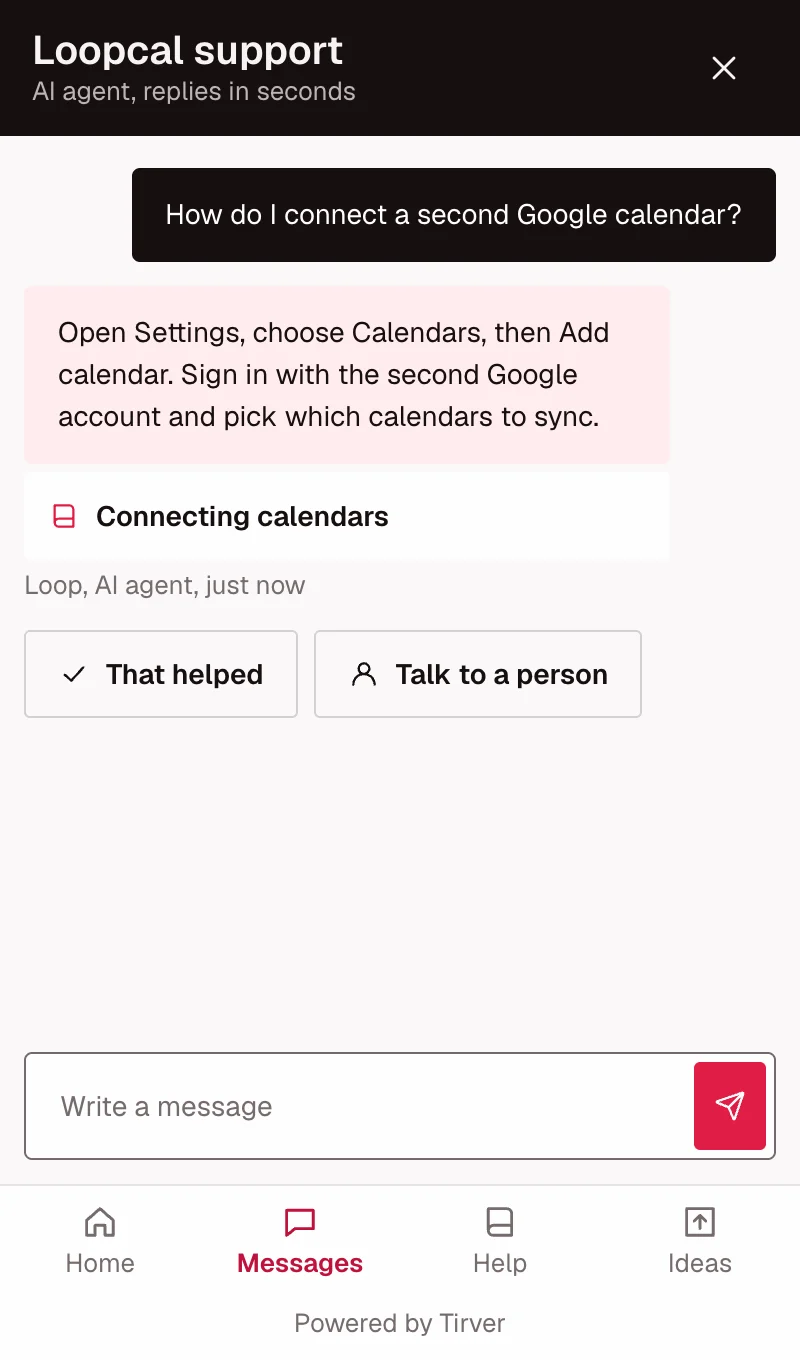
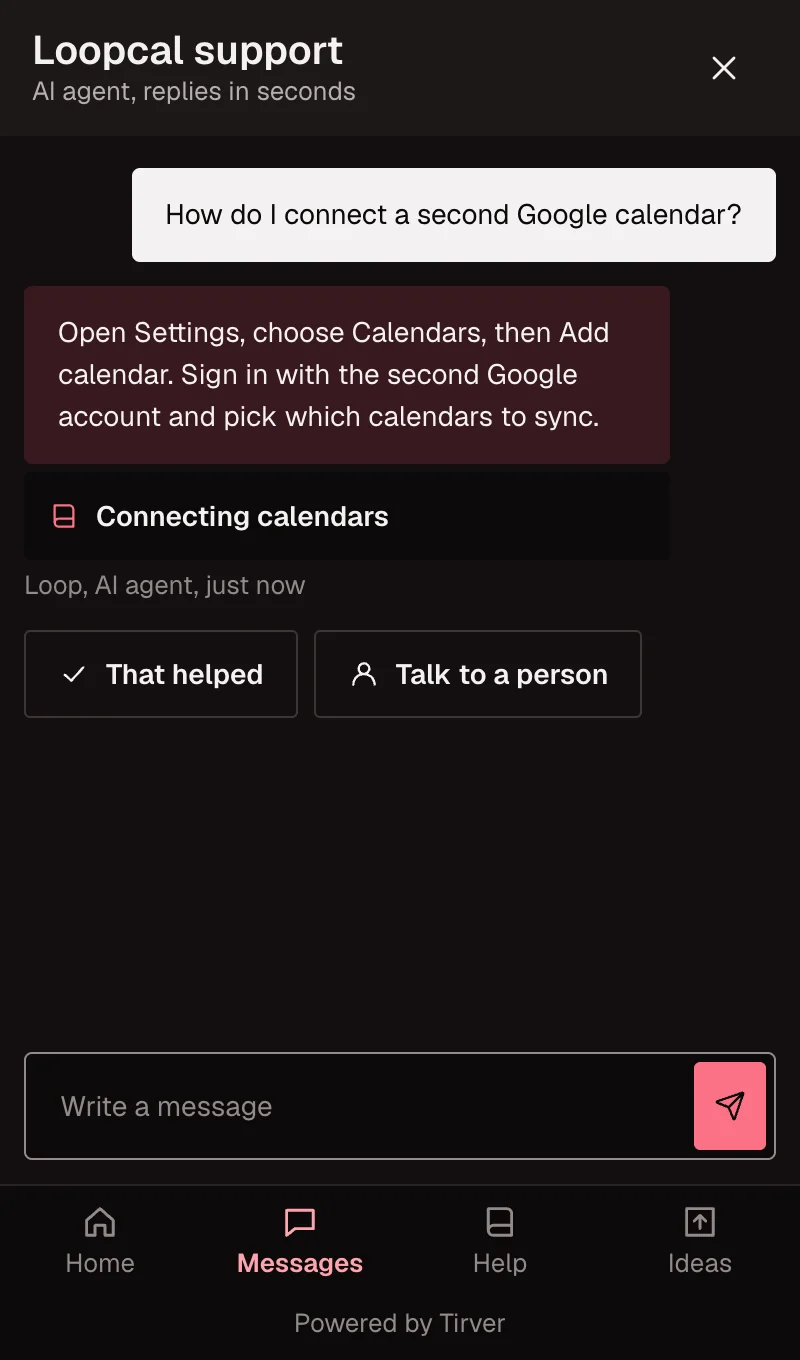
See each module at work.
- Views
- Yours, unassigned, team and AI-handled conversations.
- Notes and tags
- Internal notes, mentions, tags and saved replies.
- Customer details
- Profile, AI summary and past conversations beside every chat.
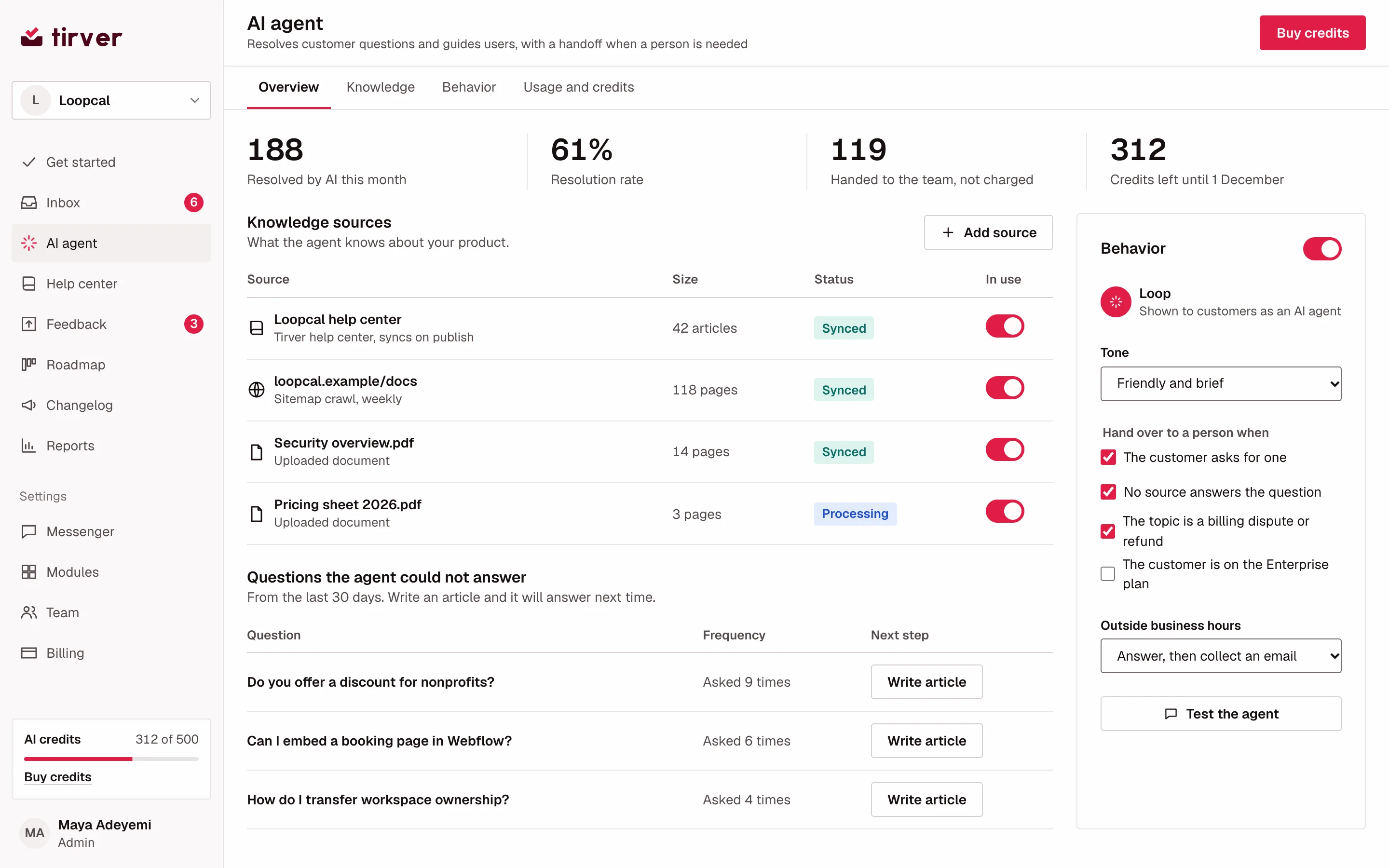
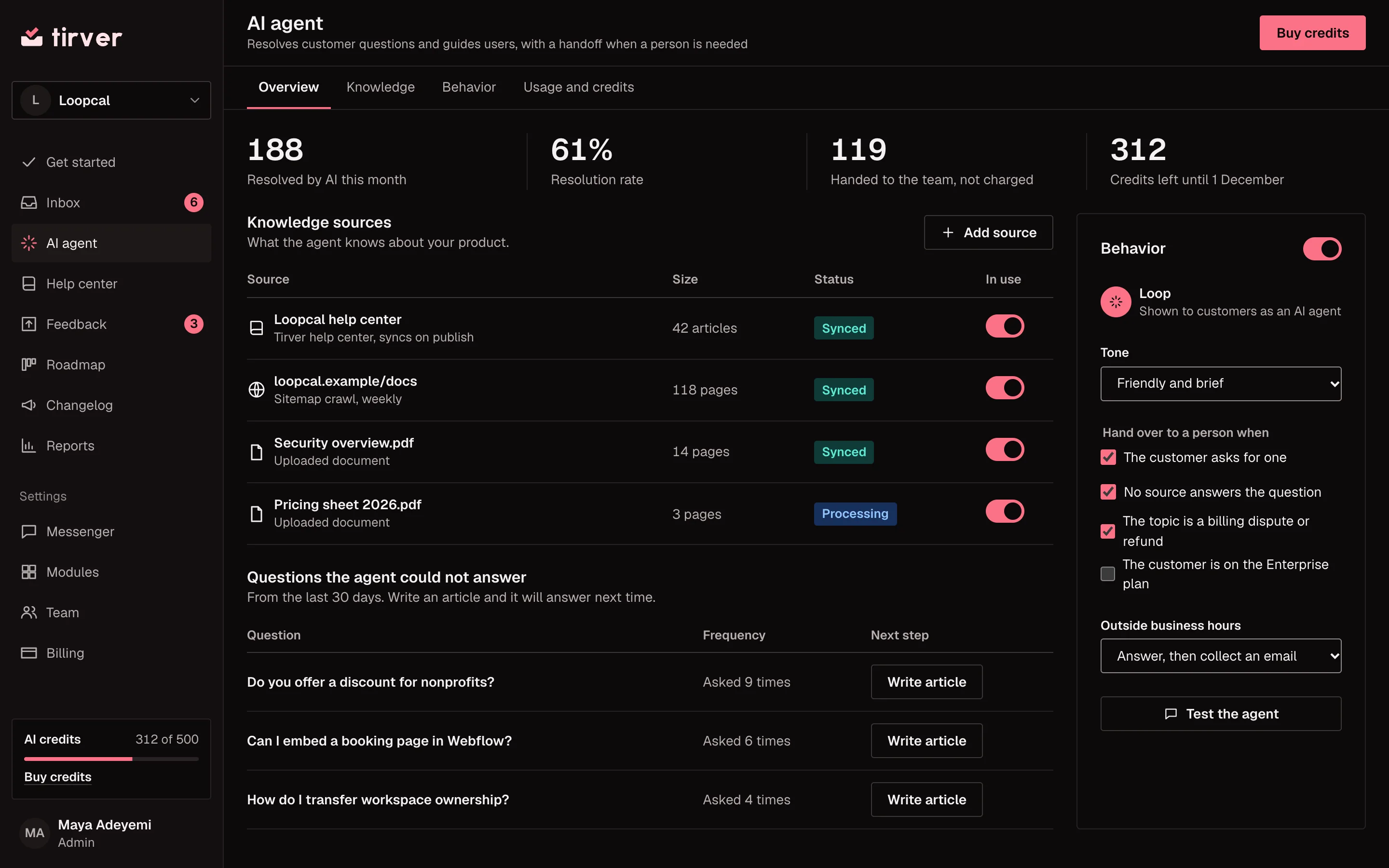
- Resolves questions
- Works from your help center, documents and website.
- Guides users
- Walks customers through steps in your product.
- Hands over
- Passes to a person on request or when unsure.
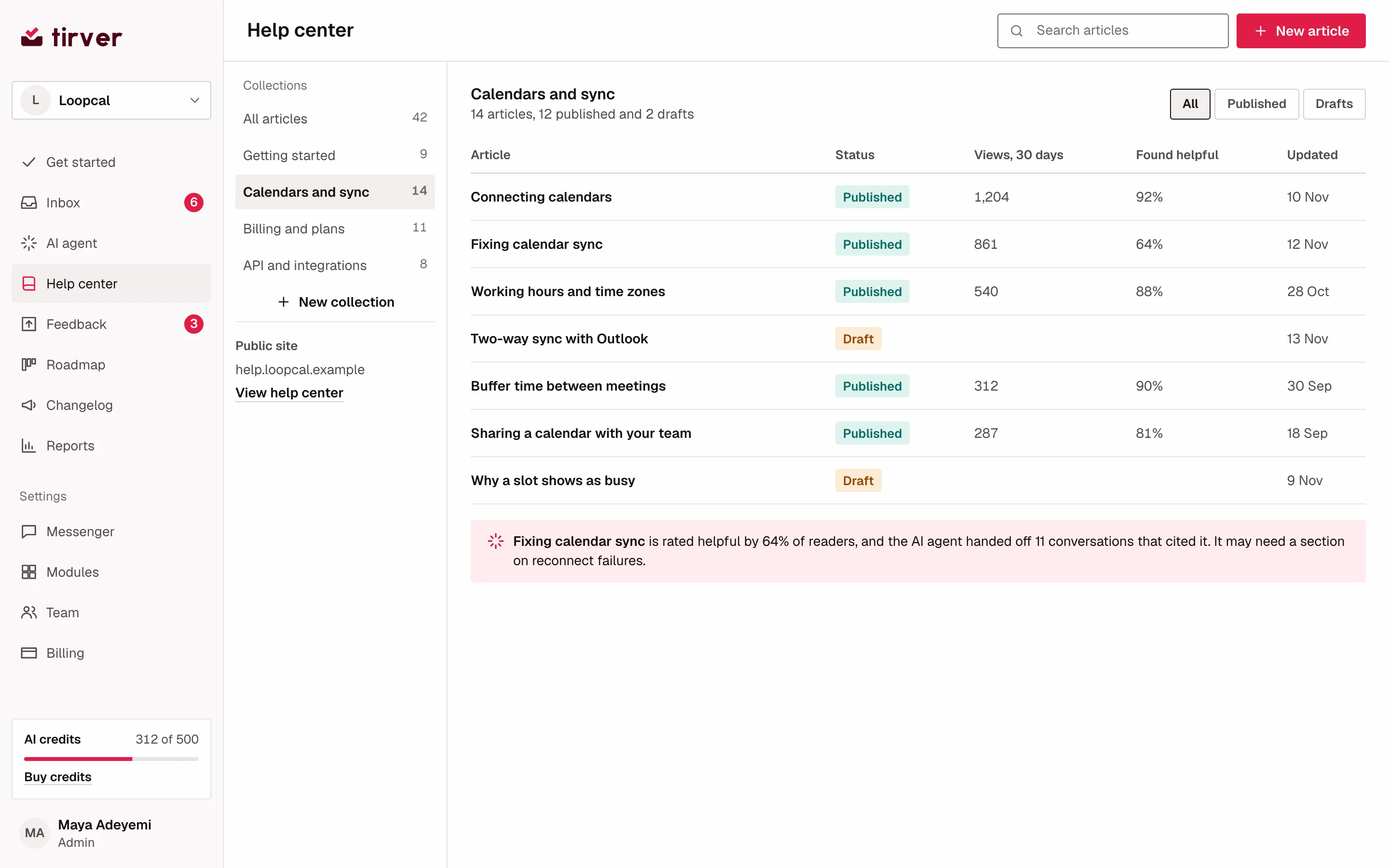
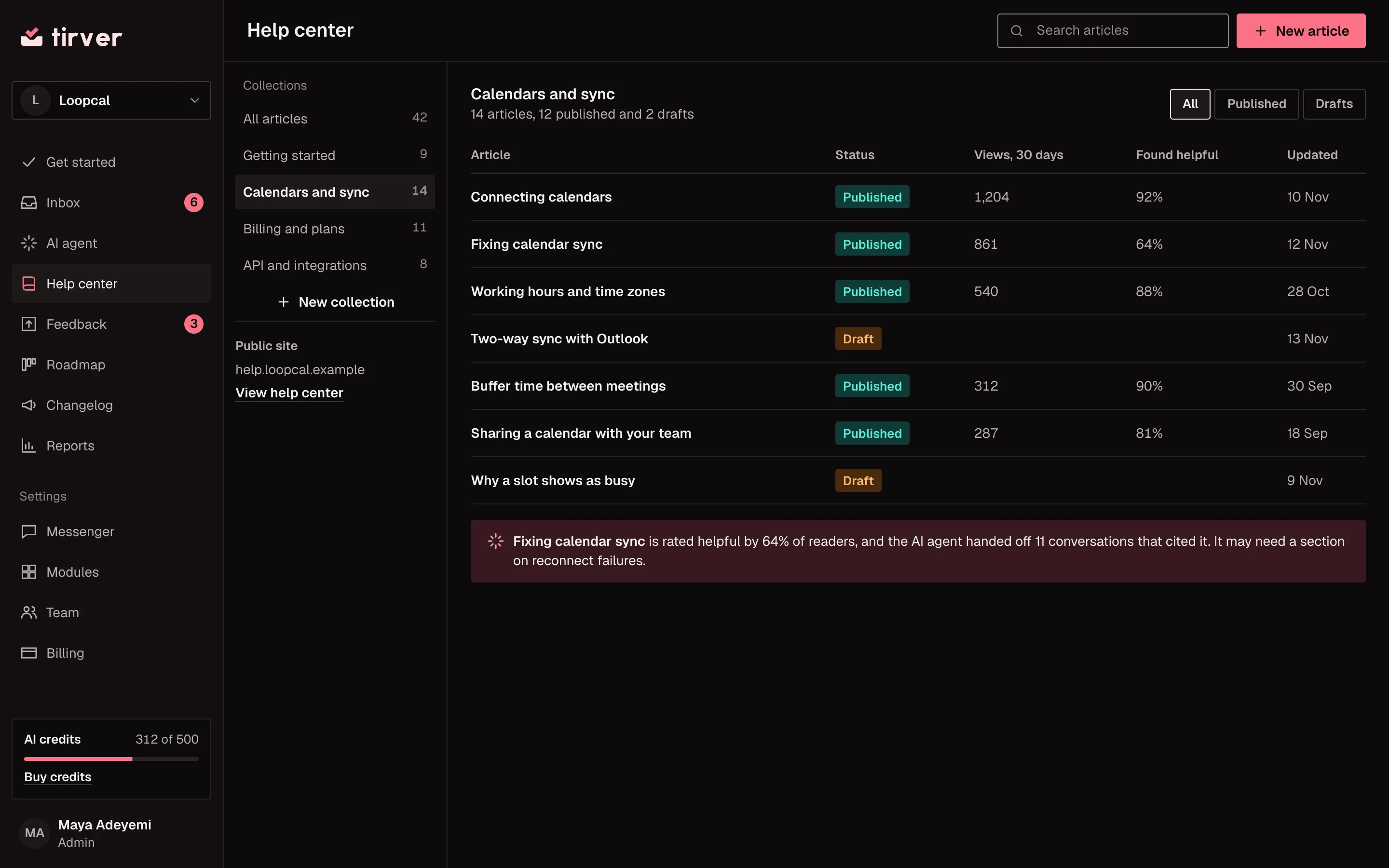
- Your domain
- A public knowledge base customers can search.
- In the widget
- Customers search articles before they write to you.
- Article ratings
- See which articles helped and which did not.
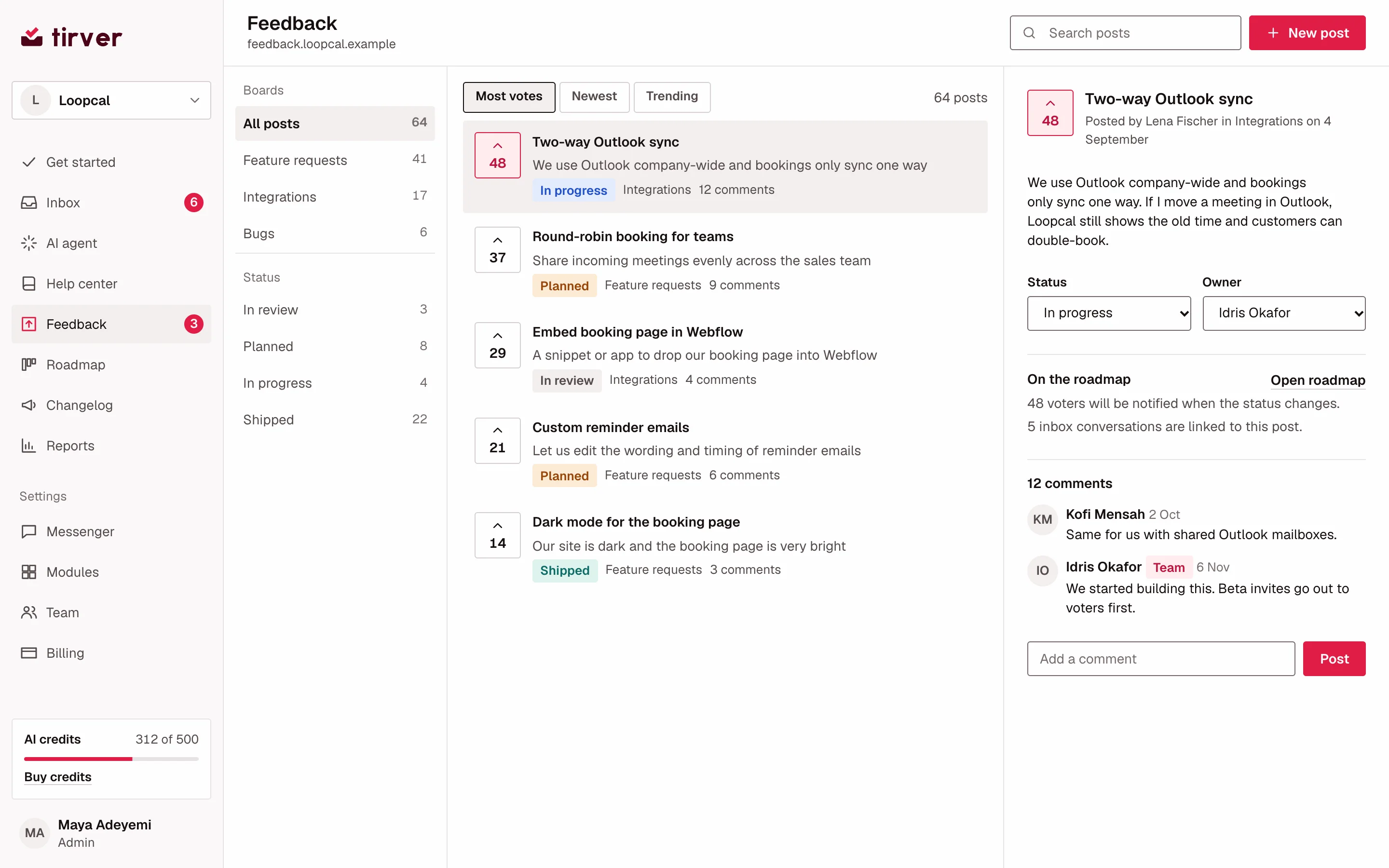
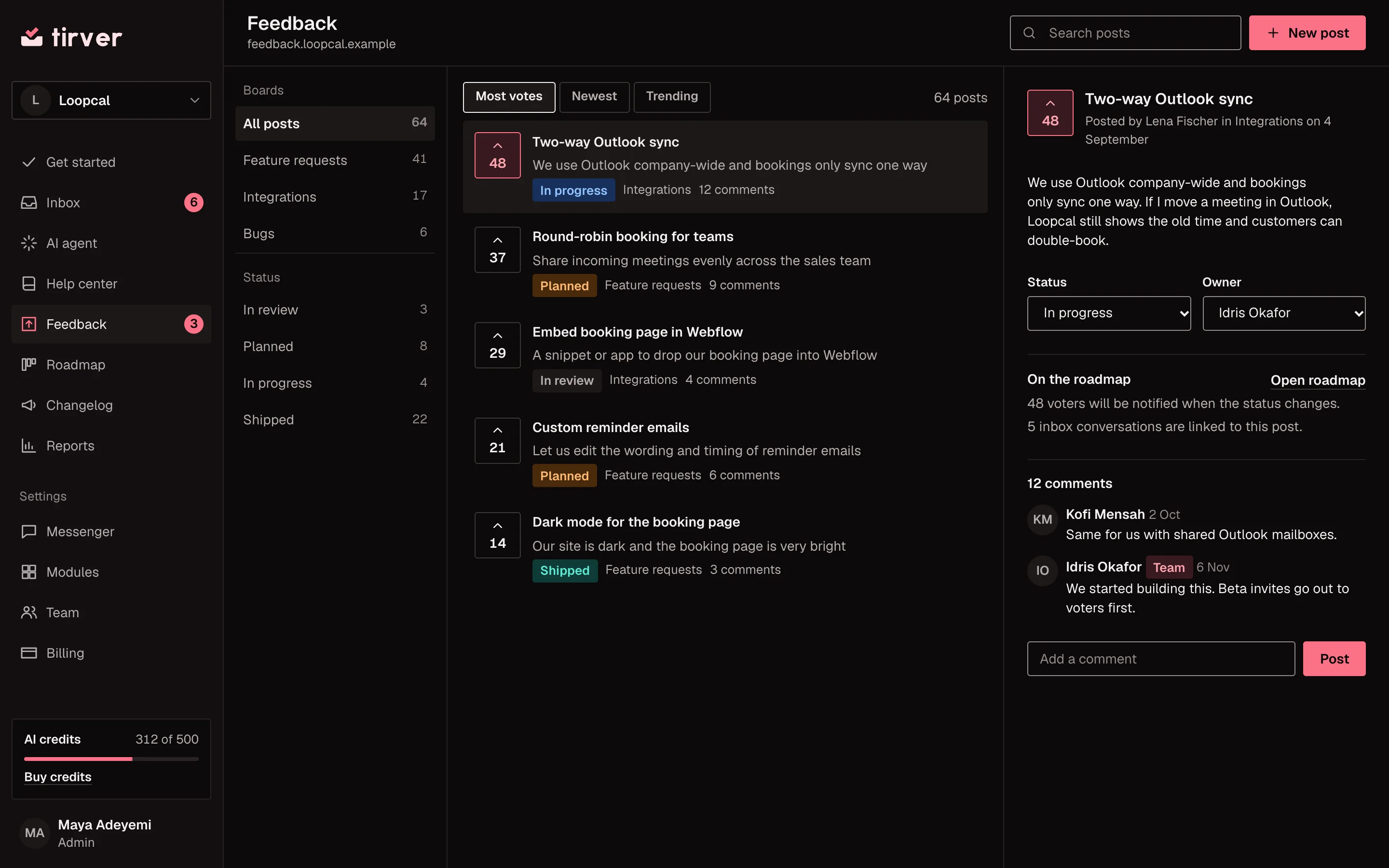
- Ideas and votes
- Customers post ideas and vote on them.
- From a chat
- Turn a conversation into a feedback post.
- Your reply
- Comment as the team and set a status.
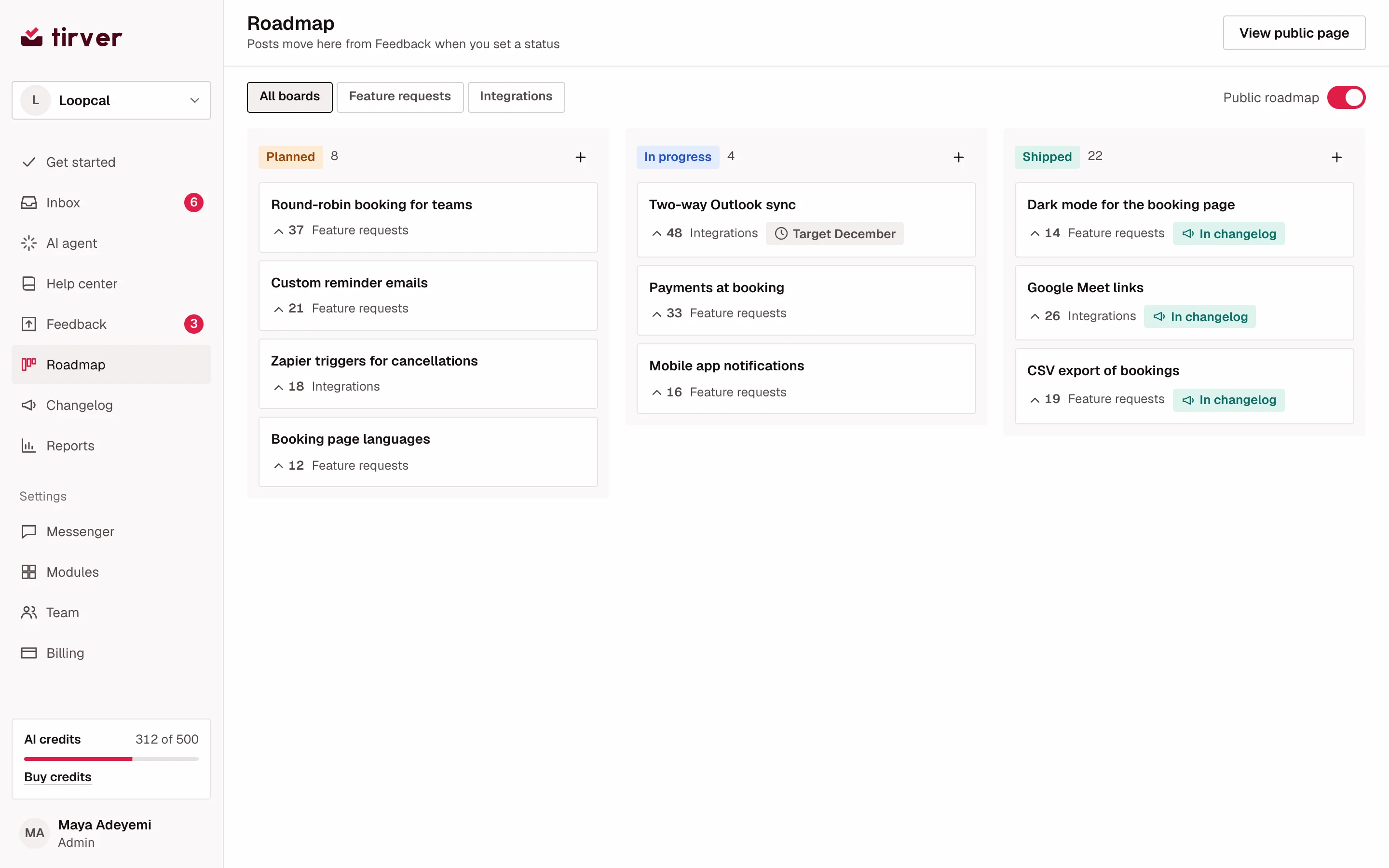
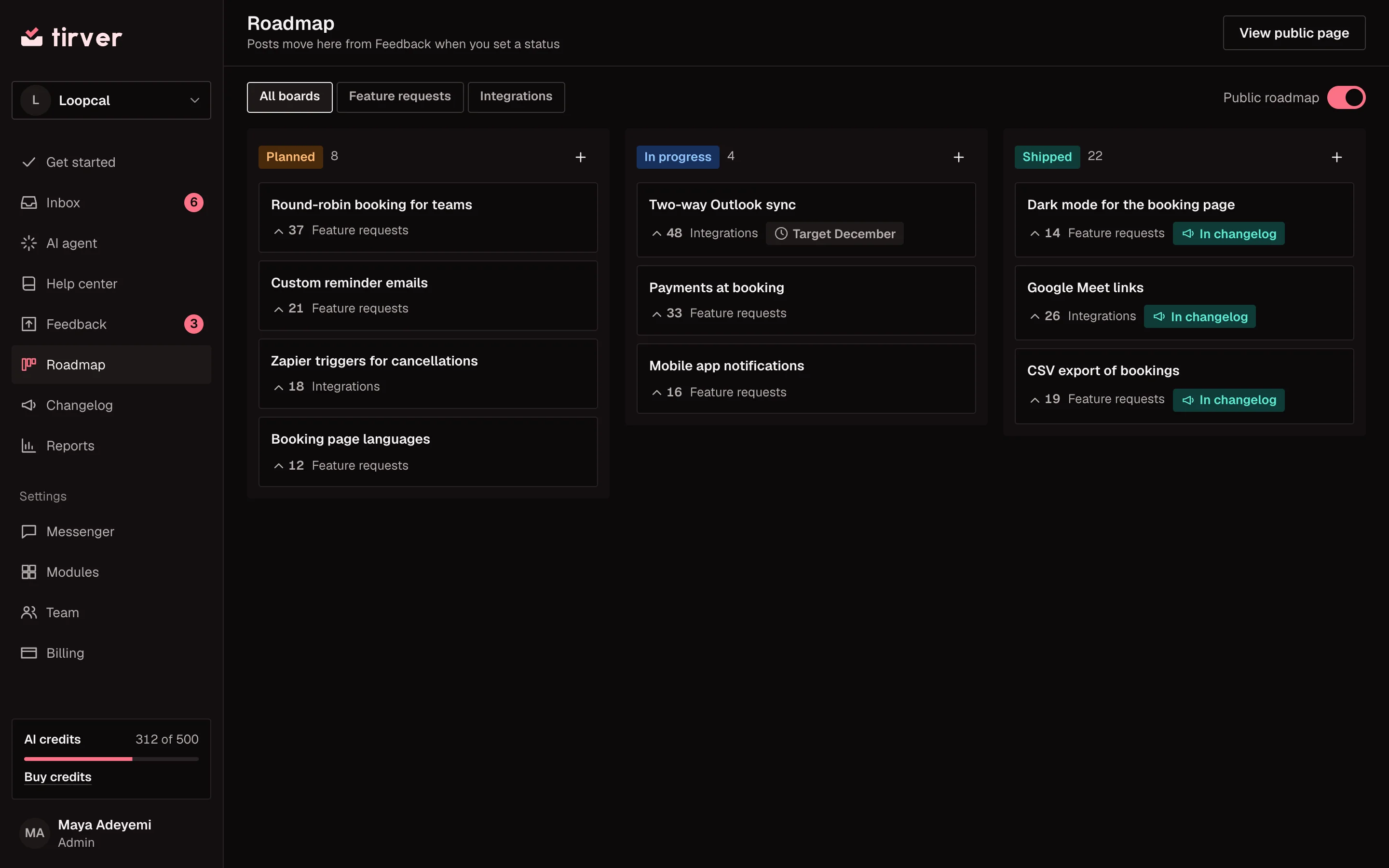
- Public roadmap
- Planned, in progress and shipped.
- Fed by feedback
- Posts move here when you set a status.
- Vote counts
- See demand on every card.
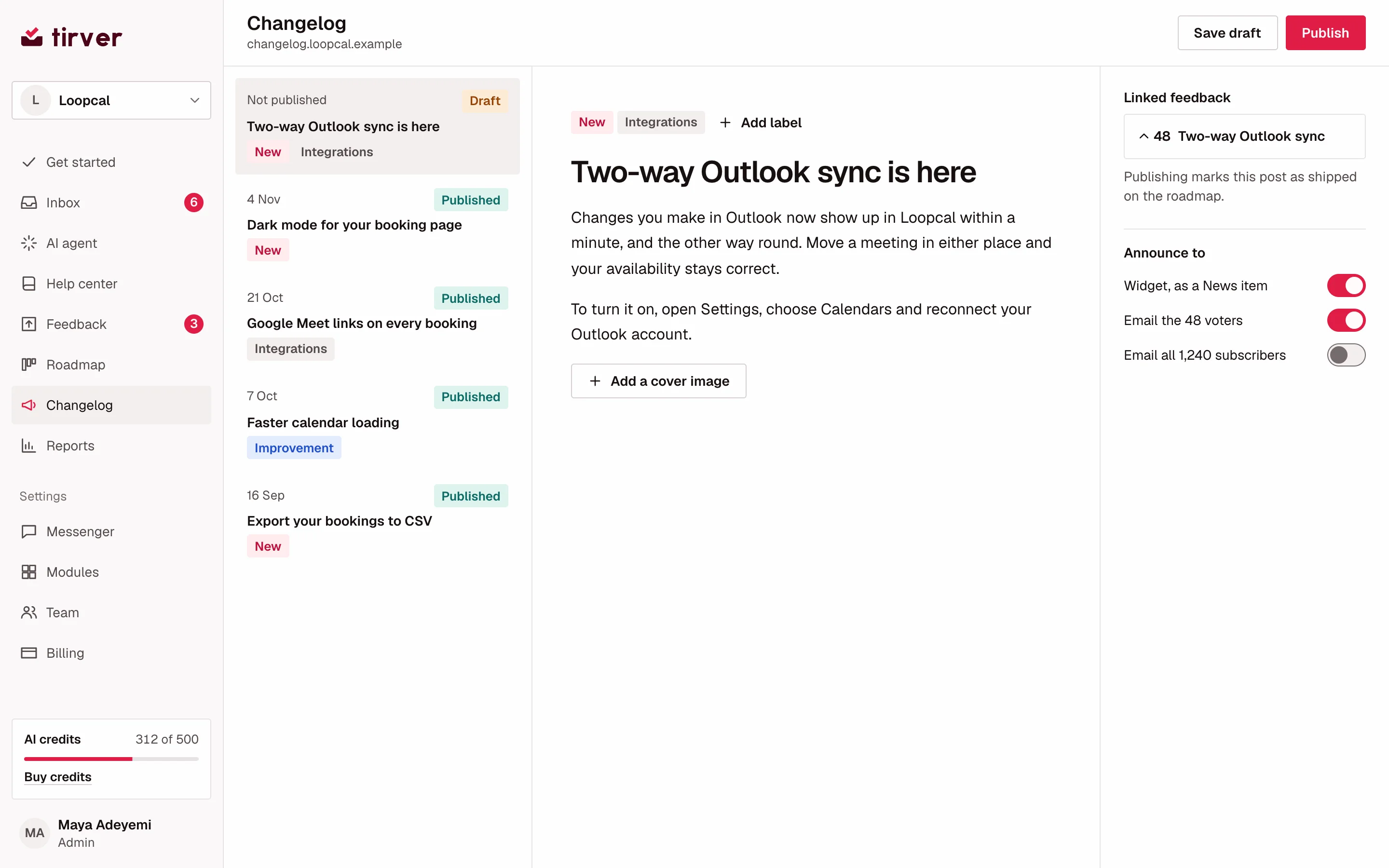
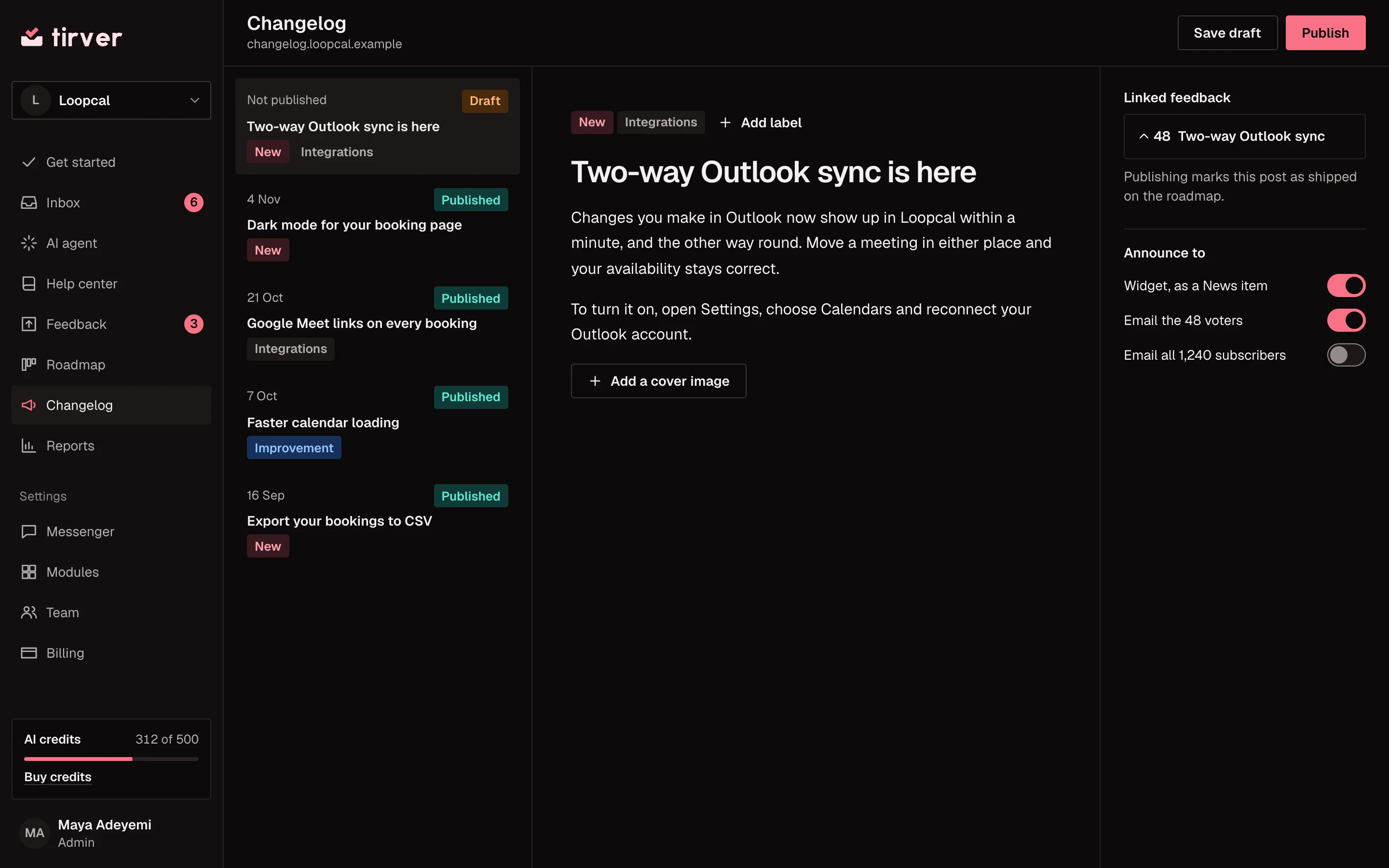
- Release notes
- Write an entry and publish it to your changelog.
- Linked feedback
- Publishing marks the post as shipped.
- Announcements
- Voters hear by email and in the widget.
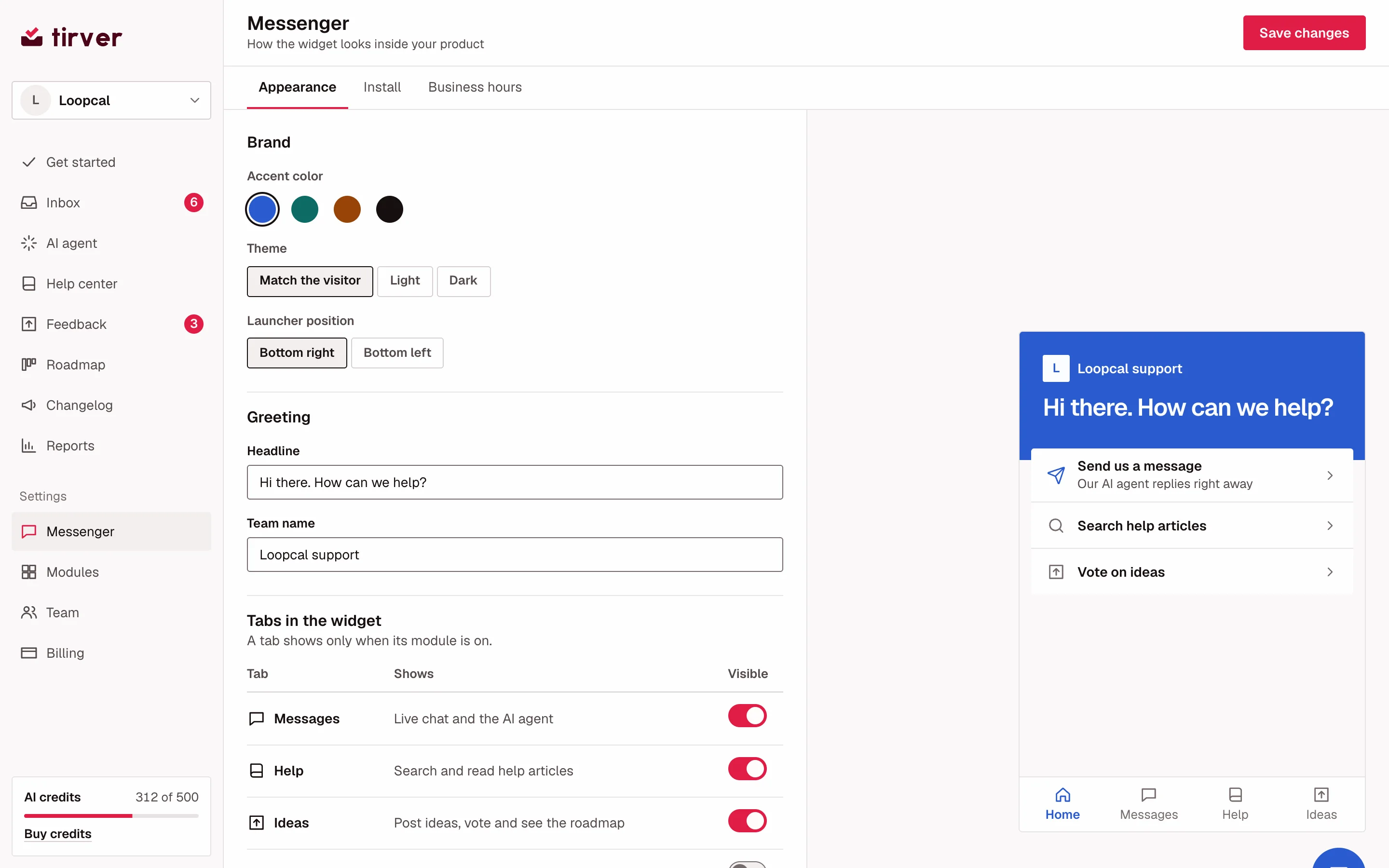
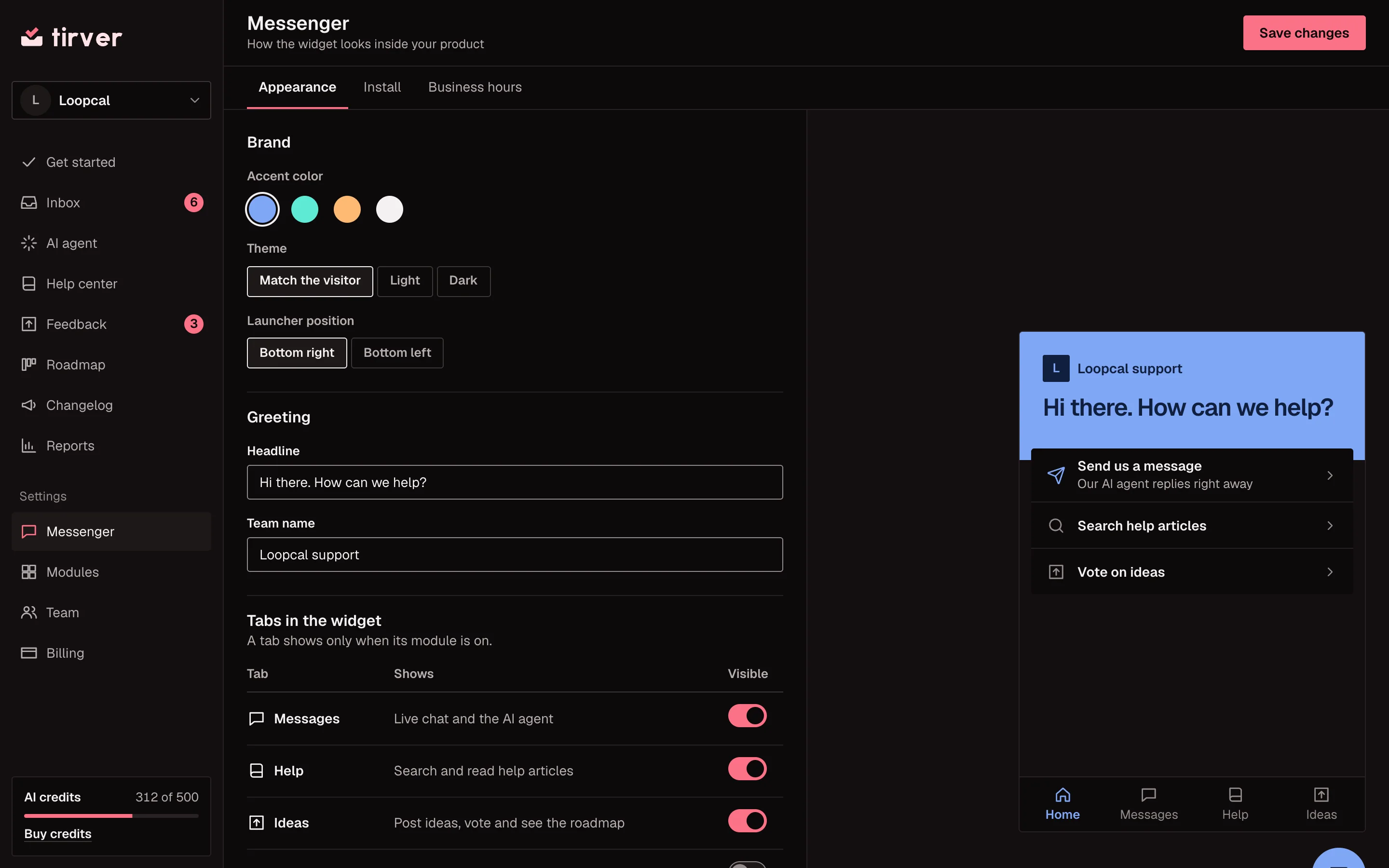
- Your brand
- Accent color, theme and launcher position.
- Tabs
- A tab shows only when its module is on.
- Live preview
- See the widget as customers will.
A support agent at your disposal.
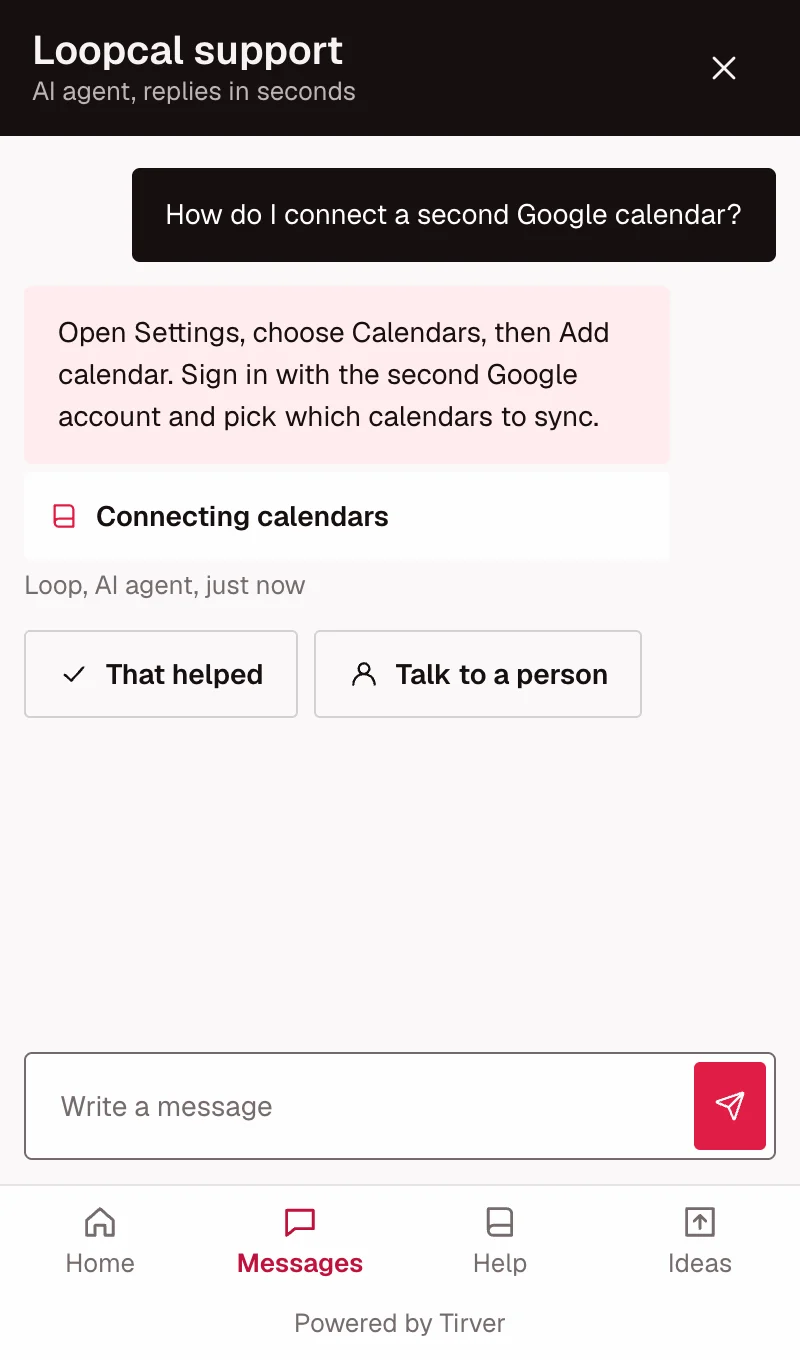
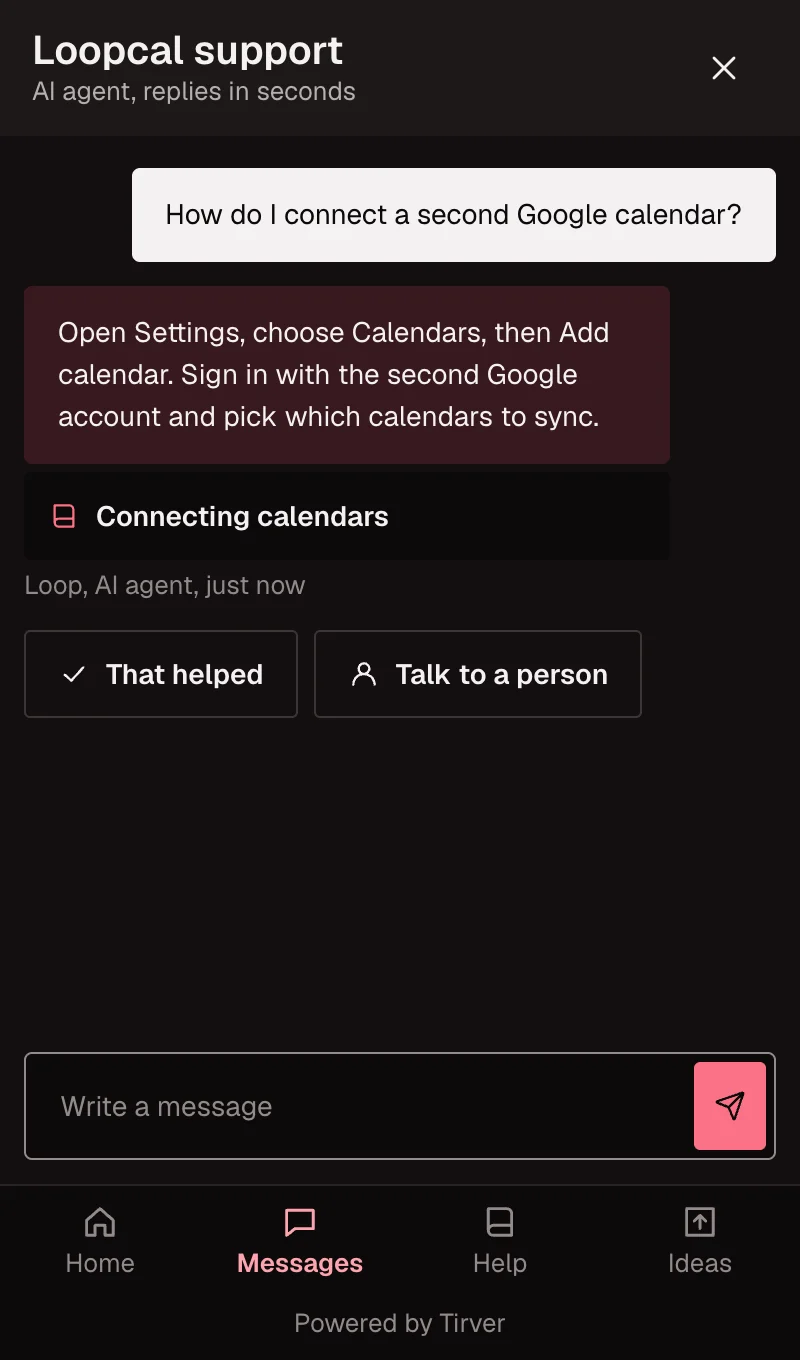
It resolves customer questions and guides users through your product, including when nobody on your team is online.
- It resolves
- It works a question through to an answer from your help center, documents and website, and links what it used.
- It guides
- It walks users through setup and how-to steps, right inside the widget.
- It covers for you
- It keeps helping outside business hours and hands over when a person is needed.
From a chat to the changelog.
A customer asks
The request arrives in your inbox from the widget.
You file it
Turn the conversation into a feedback post others can vote on.
It moves
Set a status and the post appears on your public roadmap.
Everyone hears
Publish a changelog entry and every voter is told.
One workspace instead of four tools.
| The job | Usually a separate | In Tirver |
|---|---|---|
| Talk to customers | Live chat and help desk tool | Widget and shared inbox |
| Resolve questions around the clock | AI chatbot add-on | A support agent, billed per resolution |
| Document the product | Knowledge base tool | Help center on your domain |
| Collect ideas and announce | Feedback board and changelog tools | Feedback, roadmap and changelog |
One plan. AI billed per resolution.
| Plan | What it covers | Price |
|---|---|---|
| Tirver suite | Chat, inbox, help center, feedback, roadmap and changelog. | monthly price to be setyearly price to be set3-year price to be set |
| AI agent | Charged per resolved conversation. Handoffs to your team are free. | price per resolution to be set |
| Credit packs | Extra resolutions for busy months, bought when you need them. | From your billing page |
Questions teams ask first
- Can I use only chat and the AI agent?
- Yes. Each module has its own switch, and modules that are off stay out of your widget.
- Where do the AI agent’s answers come from?
- Your help center, documents you upload and pages crawled from your sitemap. Each answer links its sources.
- Does a handoff cost a credit?
- No. You pay only when the AI agent resolves the conversation.
Paste one snippet and go live.
Create a workspace<script src="https://cdn.example.com/tirver.js" data-workspace="YOUR_WORKSPACE_ID" async></script>- Create your workspace and invite your team.
- Add the widget script to your app.
- Add knowledge sources and switch on the AI agent.
For developers: REST APIMCP serverllms.txt